Data that belongs on the wall
Database queries, API responses, RSS feeds, and manual records become reusable datasets. Map fields once and use them across layouts.
Product capabilities
A practical workflow for teams that need current information on shared screens.
Database queries, API responses, RSS feeds, and manual records become reusable datasets. Map fields once and use them across layouts.
Position text, images, video, charts, gauges, KPI cards, tables, clocks, and web content. Combine scenes and rotate dataset records.
Pair devices, assign published layouts, choose scaling, and inspect online/offline status. Welcome layouts support a separate opening message.
Separate content into workspaces with administrator, editor, and viewer roles. Transfer content between installations with export/import.
Use a kiosk browser or the Android player. Android can retain prepared layouts and supported local media for interrupted connections.
Choose managed SaaS or an annual self-hosted licence. Self-hosted deployments keep the application and its stored content on your infrastructure.
Apartments & hospitality
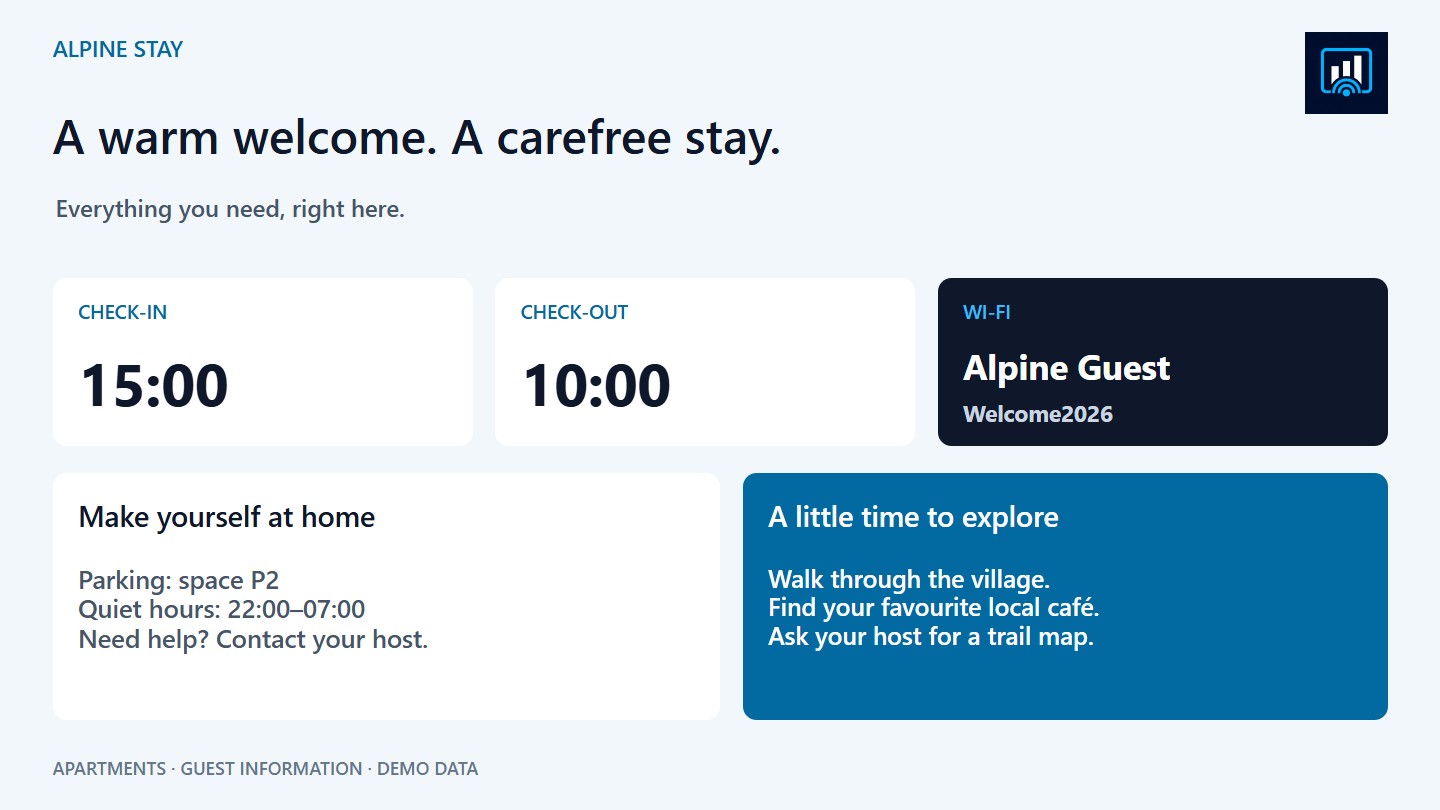
Put check-in and check-out times, guest Wi-Fi, parking, house rules, and local information on one clear display. Update the content through a dataset, without redesigning the screen.
Build a guest information screenSQL · HTTP JSON · RSS
Use read-only SQL queries and field mappings to build the dataset your screen needs. Refresh on a schedule and retain the last successful data when configured.
Read the connection guide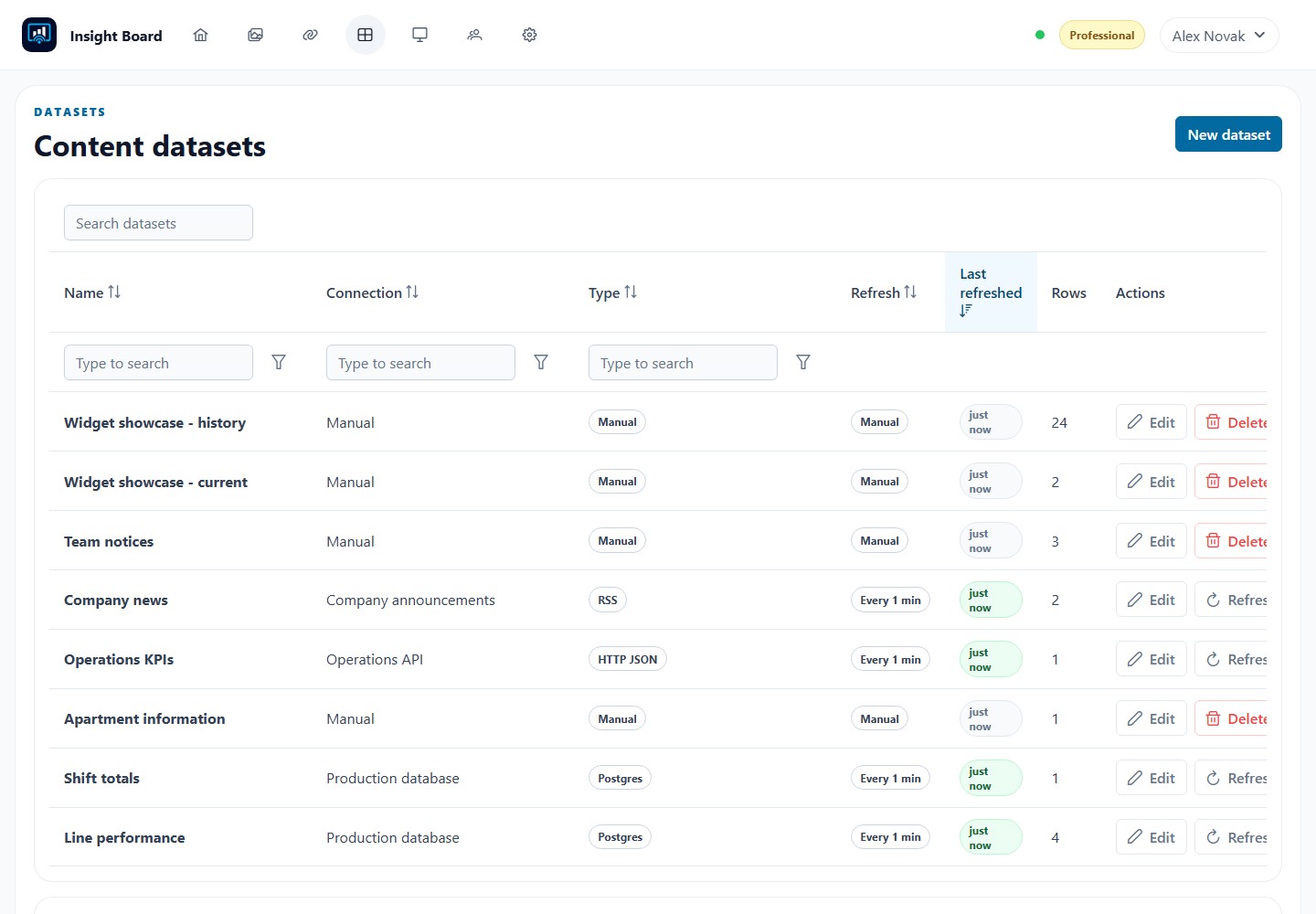
Different spaces, one tool
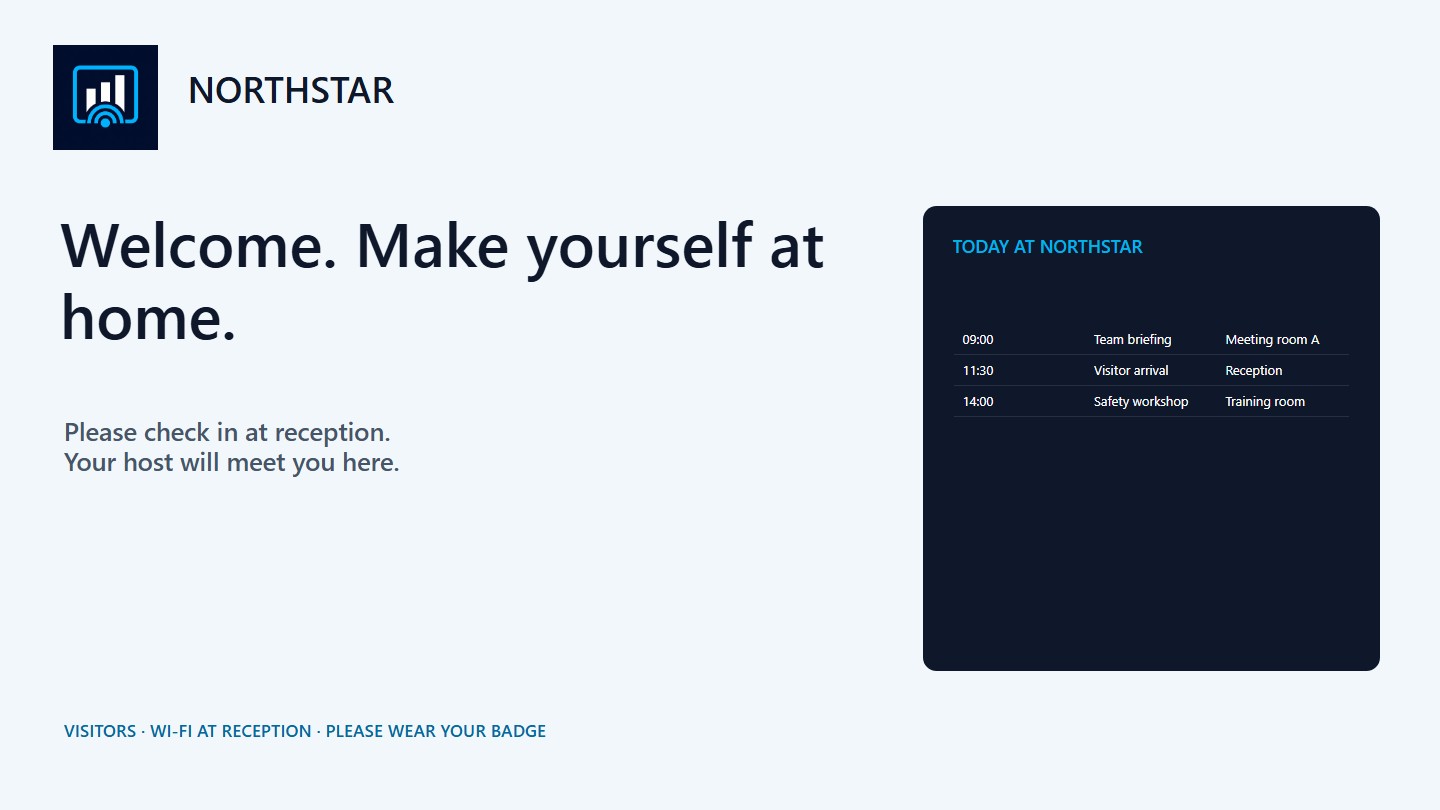
Choose a canvas resolution, position widgets, and control scene timing. Use datasets for changing content and static elements for the identity around it.
A browser player is a straightforward option for kiosk-capable devices. The Android app adds device startup and prepared offline content. Live remote websites, streams, and external services still need connectivity.
Android setup and playbackTell us about your data, locations, and display devices.