Datasets and mappings
Create a dataset
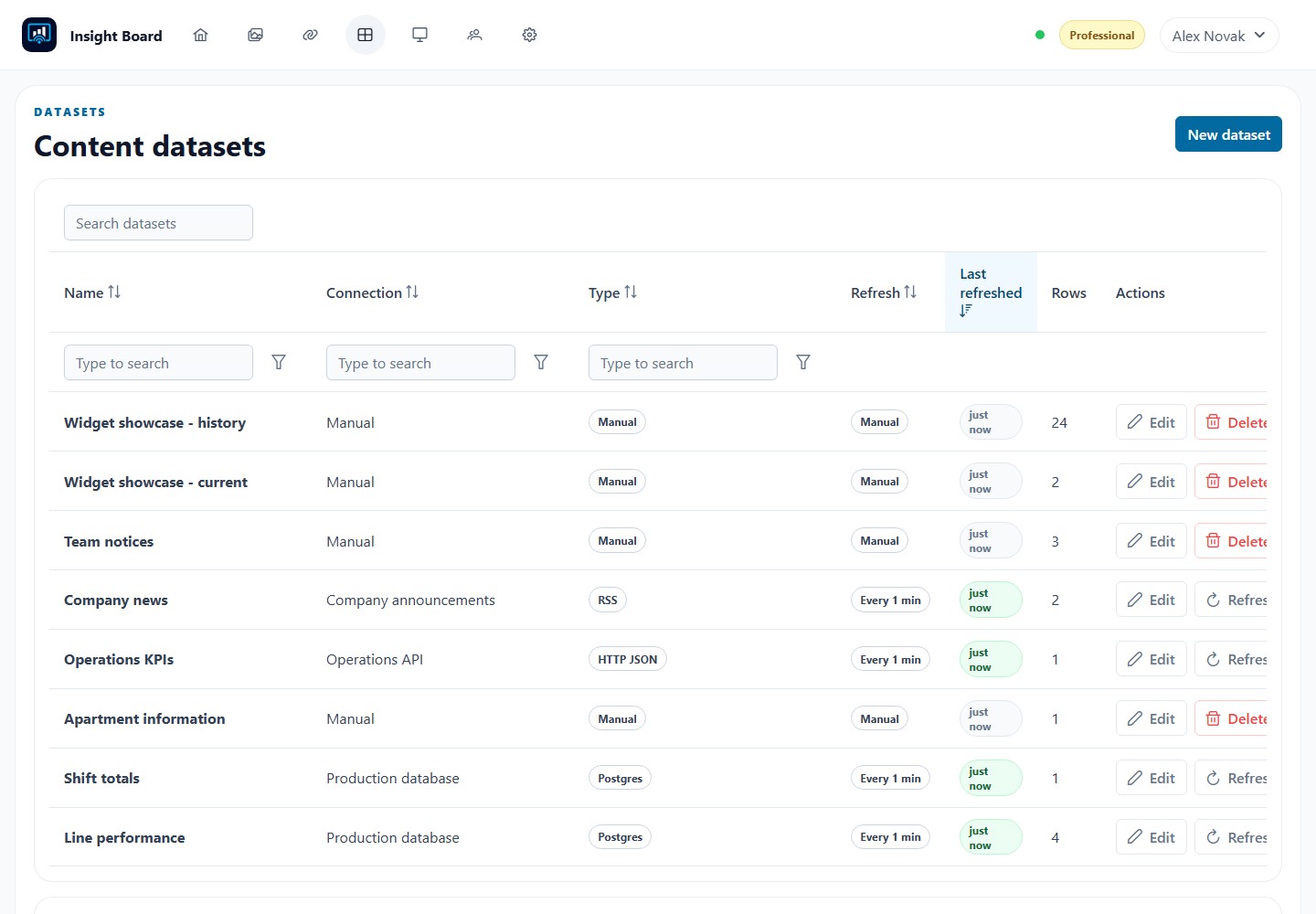
Section titled “Create a dataset”- Open Datasets → New dataset and select manual records or a connection.
- For external data, enter SQL, endpoint, or JSONPath. A JSON response with a
recordsarray commonly uses$.records[*]. - Choose Test and infer. Inspect records, field types, labels, defaults, and required fields.
- Map incoming names to dataset fields. Set the refresh interval and whether to retain the last successful data on failure.
- Save and refresh to verify the result.
Manual datasets have no connection; edit their rows directly. External datasets refresh from the source.
Conditions and bindings
Section titled “Conditions and bindings”Conditions filter records. Time conditions can restrict notices to their valid period; screen-code conditions select content for a particular screen. Scene rotation controls how records change during playback.
Check raw preview, mapping names, and widget bindings when content is missing. RSS fields are inferred only when present in fetched items. Run Test and infer and save again to include new fields.
Retained records can become stale. Choose a suitable workspace stale threshold and do not mistake retained values for a successful refresh. A refreshed dataset does not publish a draft layout or assign a screen.