Users and roles
Workspace access
Section titled “Workspace access”- Admin manages workspace users, settings, and content.
- Editor prepares datasets, layouts, and screens within permitted operations.
- Viewer inspects content without editing.
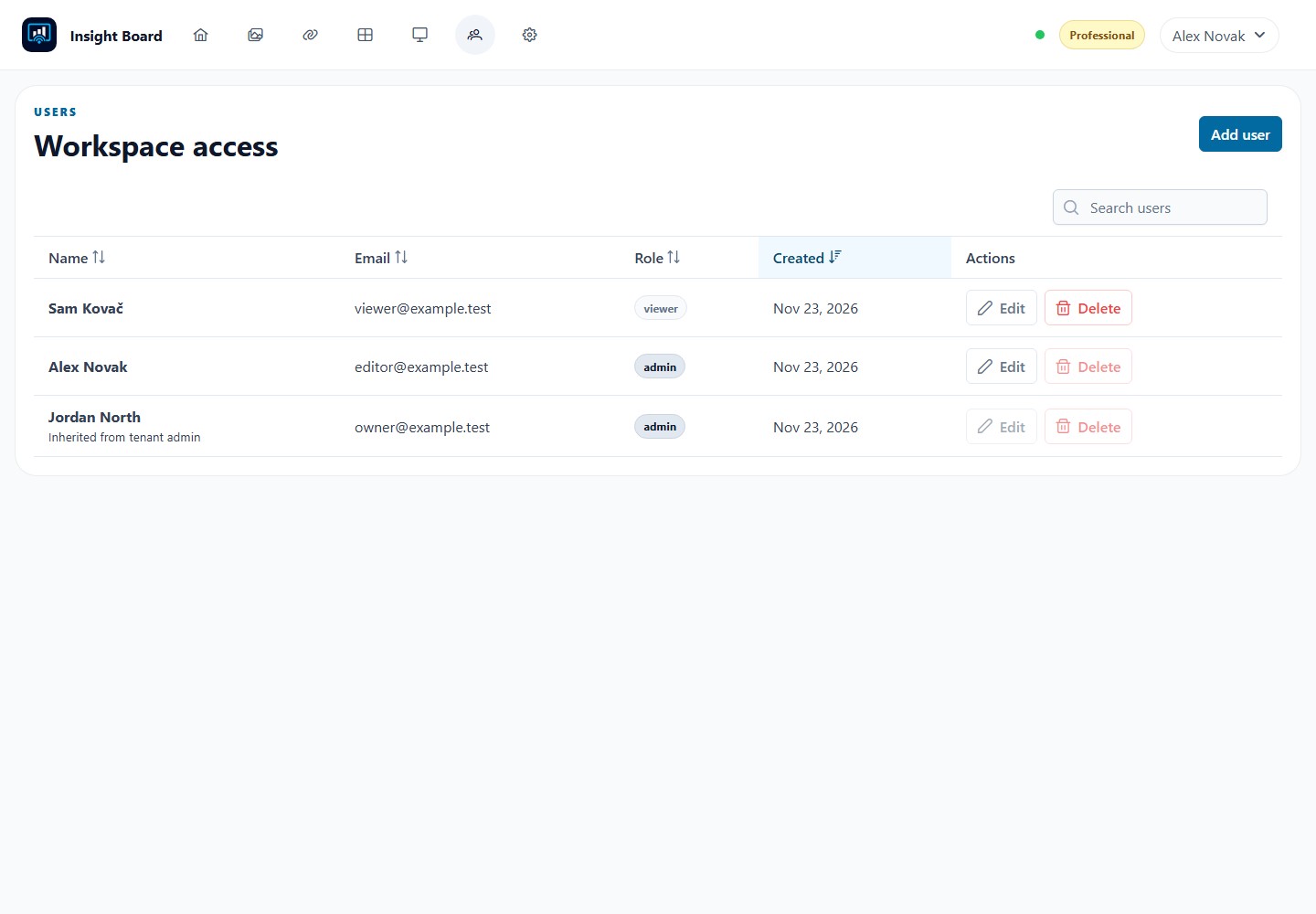
Open Users as an administrator to add an account, select a role, or reset a password. Share temporary passwords privately. Review access when staff change duties or leave.
Content is scoped to a workspace. Use separate workspaces for teams requiring separate administration. Capacity depends on plan and installation limits.
Platform administration is separate from workspace roles. Managed deployments can control the platform administrator’s workspace access. Do not grant platform access merely to edit displays. Use the least required role and avoid shared administrator accounts.